Four ShotThread workflows
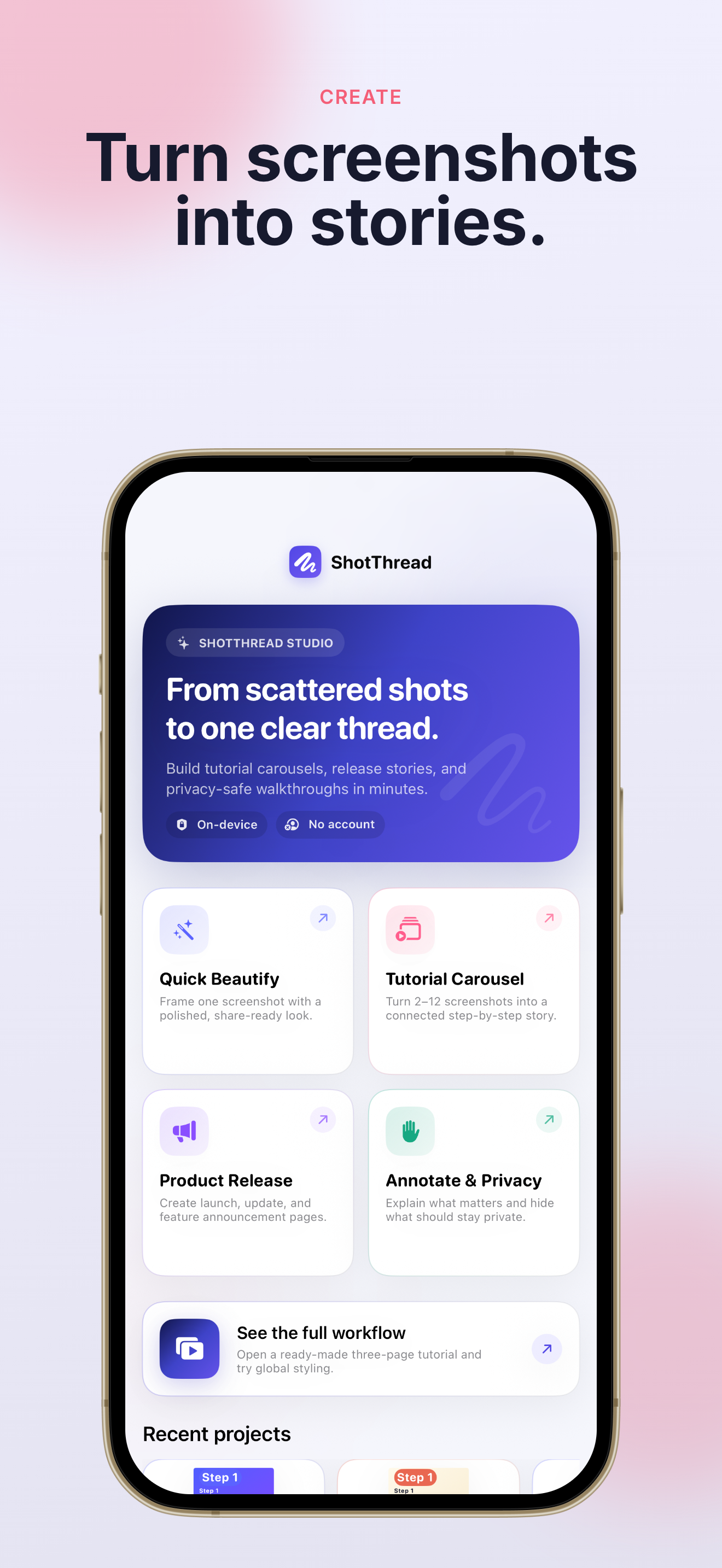
Quick beautify, tutorial carousel, product release, or annotate & privacy — start from the story you need.
Screenshot Story Maker
Build tutorial carousels, release announcements, and privacy-safe walkthroughs in minutes. ShotThread keeps your screenshots on your iPhone or iPad — no account, no cloud upload, no subscription.
On-device · No account · Free to start · Pro is a one-time purchase
From a single screenshot to a full carousel — ShotThread makes every page look polished before you share.
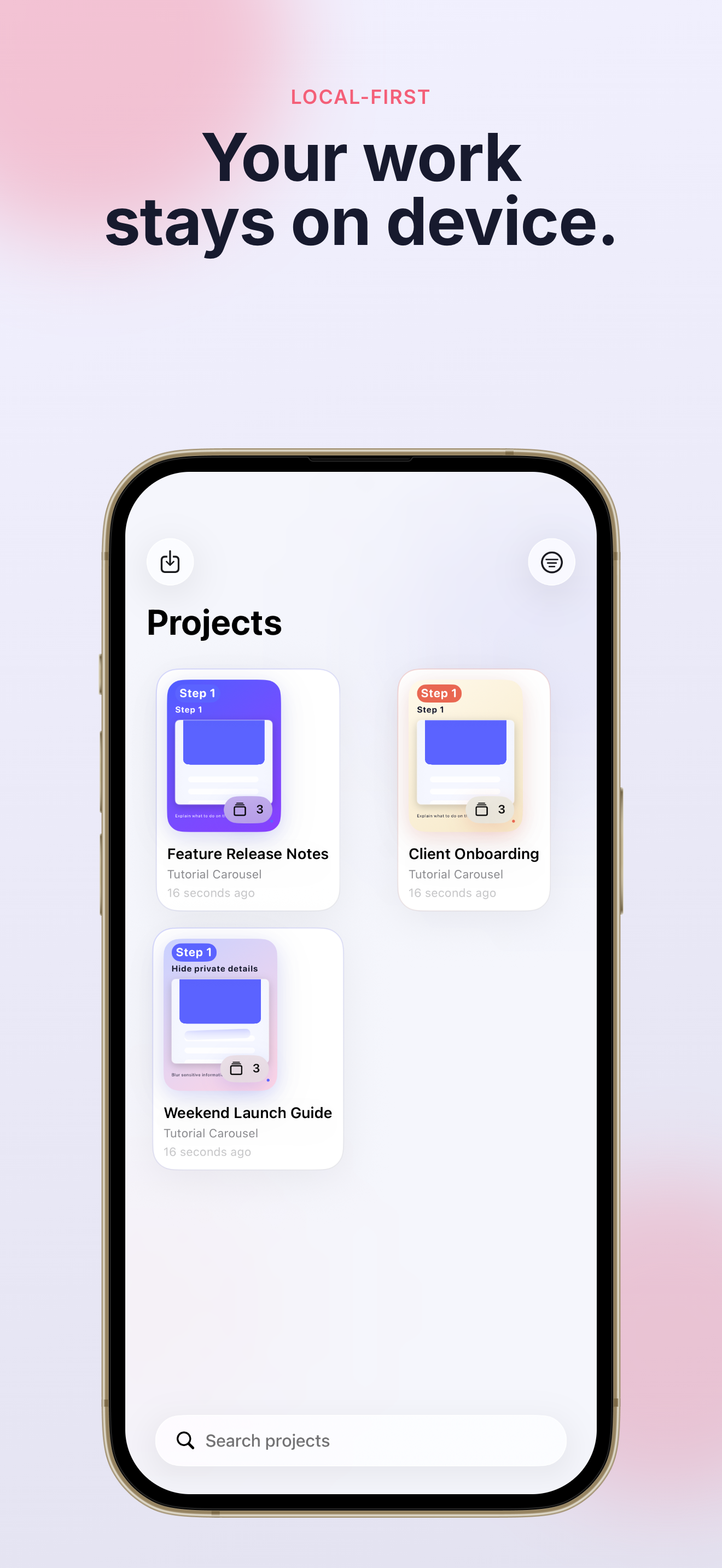
Whether you ship apps, run campaigns, or share how-tos, ShotThread gives you a faster path from raw screenshots to finished stories.
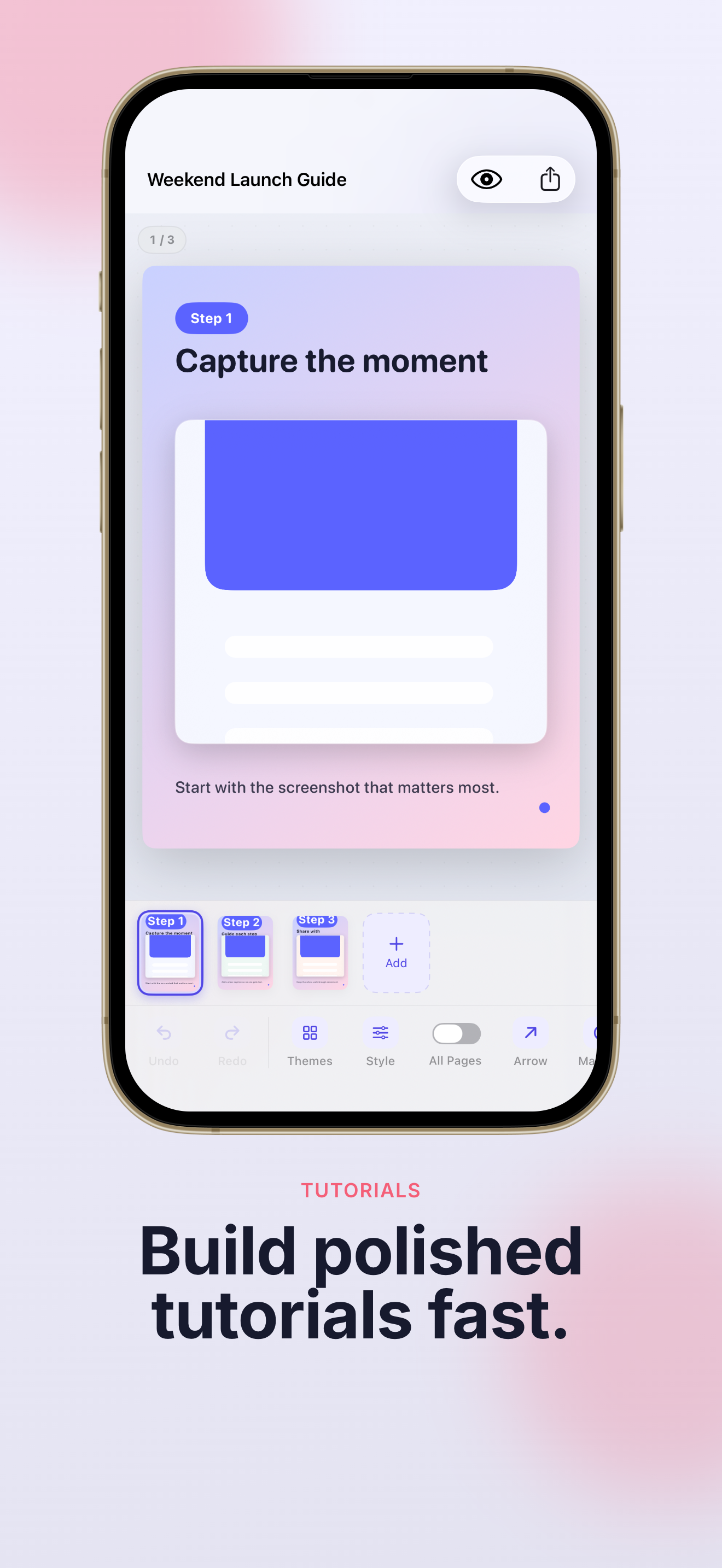
Arrange up to 12 pages with titles, captions, and step badges. Pick from 27 designed themes and five canvas ratios — perfect for App Store previews, social posts, and step-by-step guides.
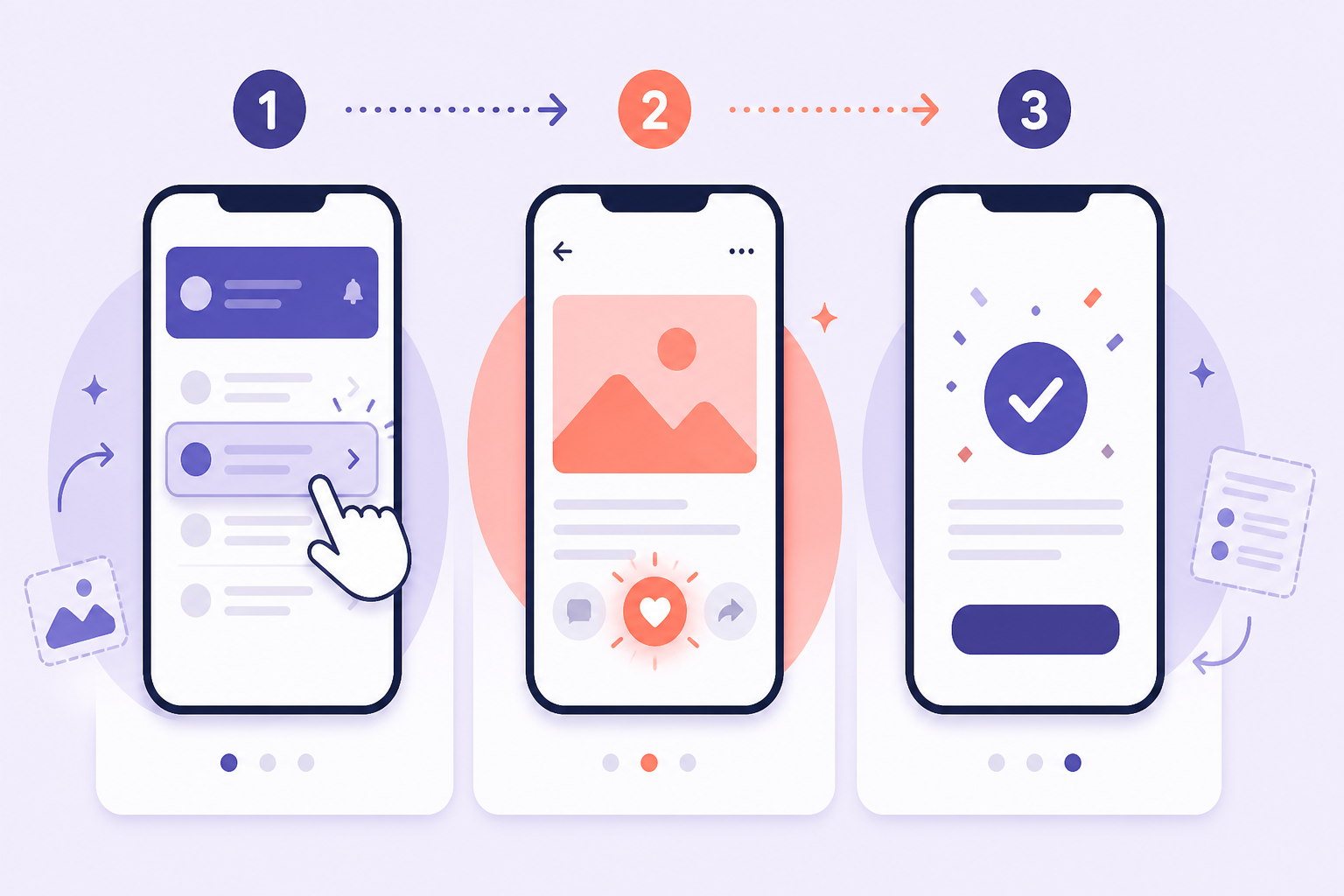
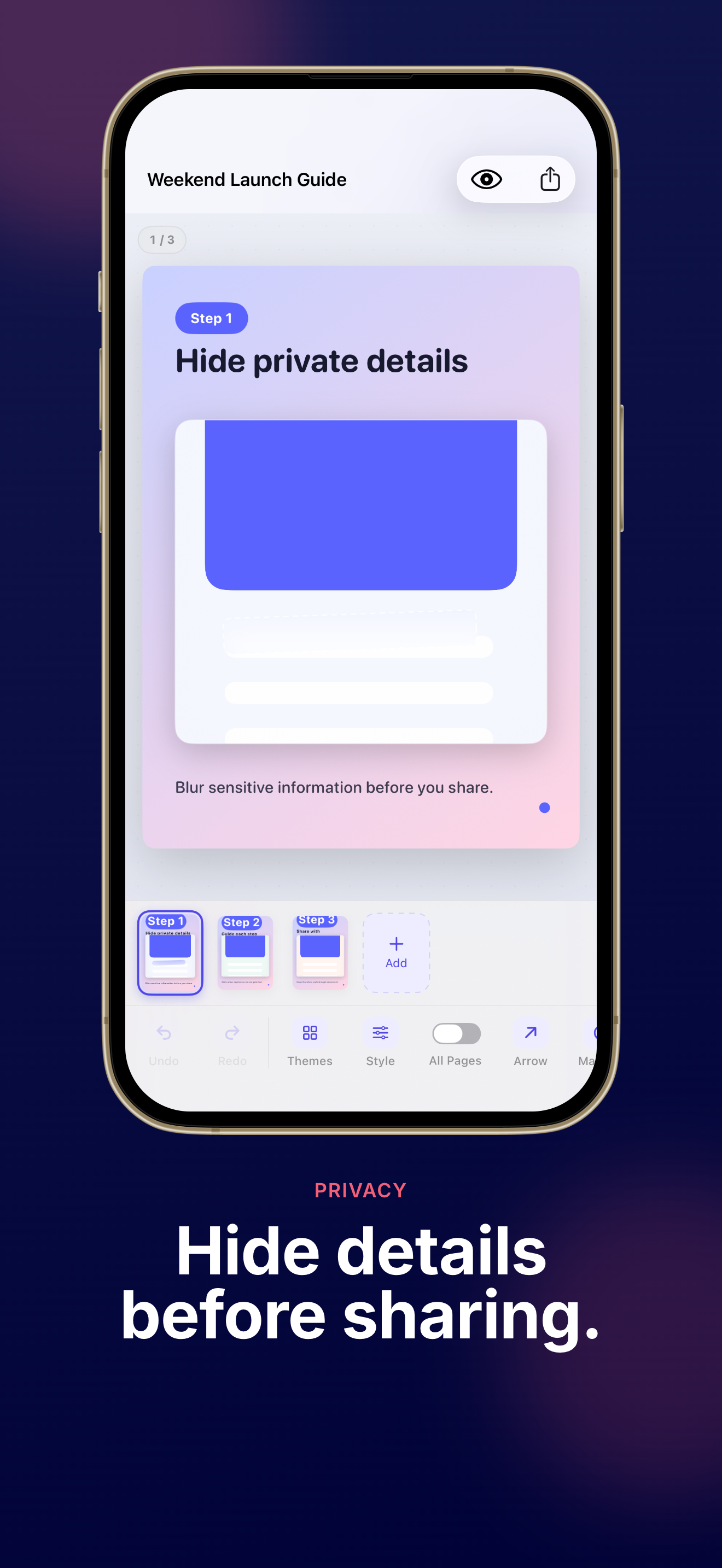
Blur faces, hide emails, and mask sensitive text before you post. ShotThread scans on your device with Apple Vision — you review every suggestion before anything is covered.
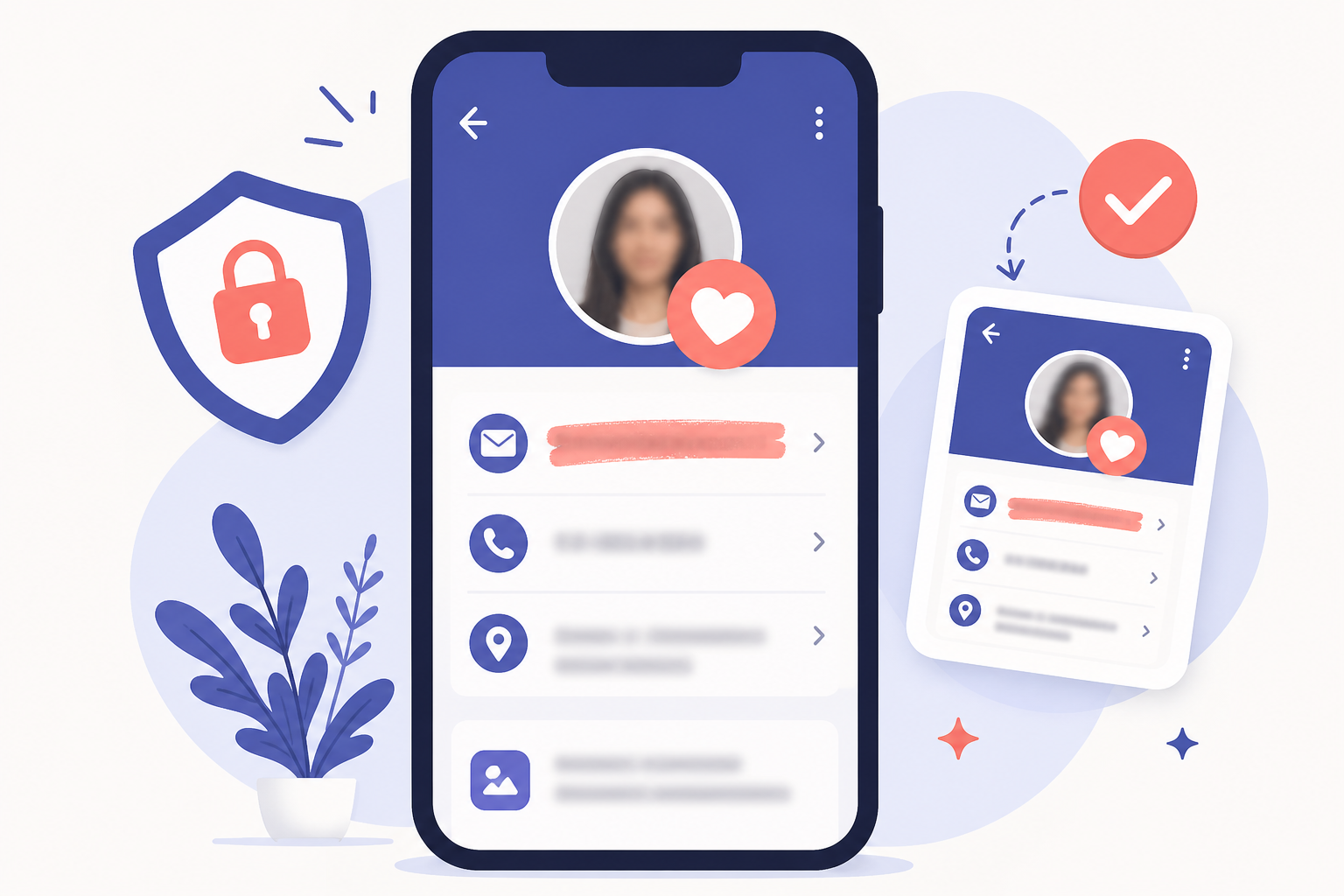
No sign-up, no image server, no background upload. Your ShotThread projects stay in the app sandbox until you choose to export or share them.
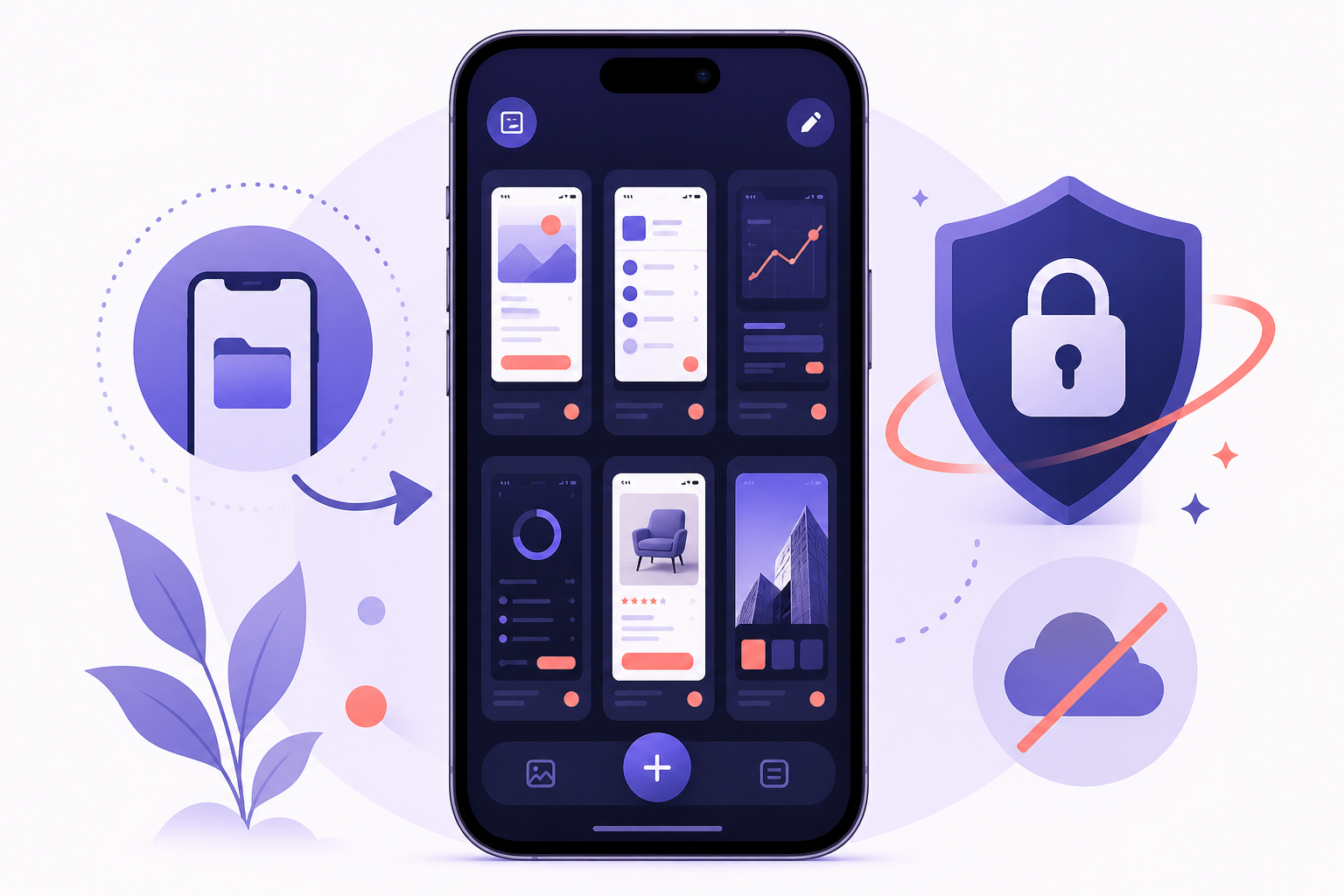
Four focused workflows, professional export options, and brand tools — all inside one ShotThread app.
Quick beautify, tutorial carousel, product release, or annotate & privacy — start from the story you need.
Solid or gradient backgrounds, your logo, typography presets, and phone or browser frames — make every ShotThread page on-brand.
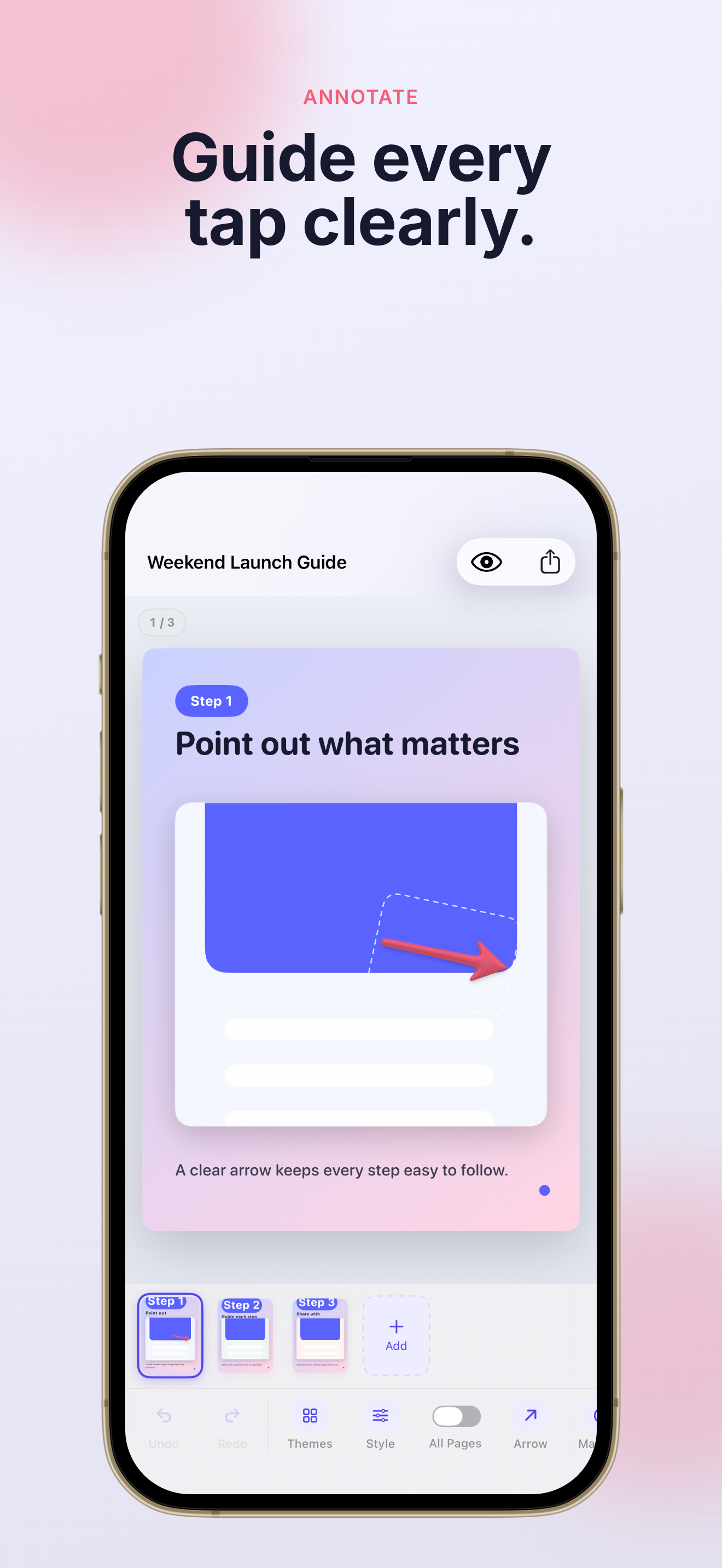
Five arrow styles, 18 privacy stickers, blur, pixelation, and a magnifier — guide every tap clearly in ShotThread.
ShotThread finds faces and sensitive text locally, then lets you confirm each mask — nothing leaves your device.
Export one page or the full set. ShotThread Pro adds transparent backgrounds, custom sizes, 2K/4K, and multi-page PDF.
Back up complete ShotThread projects and restore them anytime — your work stays under your control.
Three simple steps from scattered screenshots to a share-ready carousel with ShotThread.
Pick photos, files, or paste from the clipboard. Choose a workflow — tutorial, release, quick beautify, or privacy annotation.
Apply a theme, add titles and step badges, draw arrows, and mask sensitive details. Sync edits across every page in one tap.
ShotThread saves automatically when you switch apps — up to 50 undo steps.
Save to Photos or share directly. Export PNG, JPEG, or PDF at the size you need — ready for social, docs, or App Store.
ShotThread Pro unlocks 2K/4K export, transparent backgrounds, and unlimited projects.
Get ShotThread on the App StoreQuick answers about pricing, privacy, and what ShotThread can do on your iPhone or iPad.
ShotThread is an iPhone and iPad app that turns screenshots into polished tutorial carousels, product release stories, and privacy-safe visuals. Everything runs on your device — no account required.
No. ShotThread stores projects locally on your device. Your screenshots are never uploaded to our servers. Smart privacy scanning also runs entirely on-device using Apple Vision.
ShotThread is free to start with 3 projects and 3 pages per project — no permanent watermark. ShotThread Pro is a one-time purchase (no subscription) that unlocks unlimited projects, 12 pages, brand kits, advanced export, and the smart privacy scan.
ShotThread runs on iPhone and iPad with iOS 17 or later. The app supports 9 languages and both light and dark appearance.
Yes. Many indie developers use ShotThread to build tutorial carousels and release stories. Choose from five canvas ratios (3:4, 4:5, 1:1, 9:16, 16:9) and export at up to 4K with ShotThread Pro.
Email us at hi@codemxm.com or read our blog for tips. You can also review the ShotThread privacy policy and terms of service on this site.
Download ShotThread free on the App Store and build your first carousel in minutes.
No account. No subscription. Your screenshots stay on your device.
ShotThread Pro is a one-time purchase — unlock everything when you're ready.